Mobile Device Management: keeping every work device secure and sorted
Work doesn’t stay at a desk anymore, and neither does your data. If your team is out on site, in utes, on farms or in front of customers, every phone and tablet they carry is another door into your business.
Article by: 2degrees Business Team
26 August 2026: 6 min read
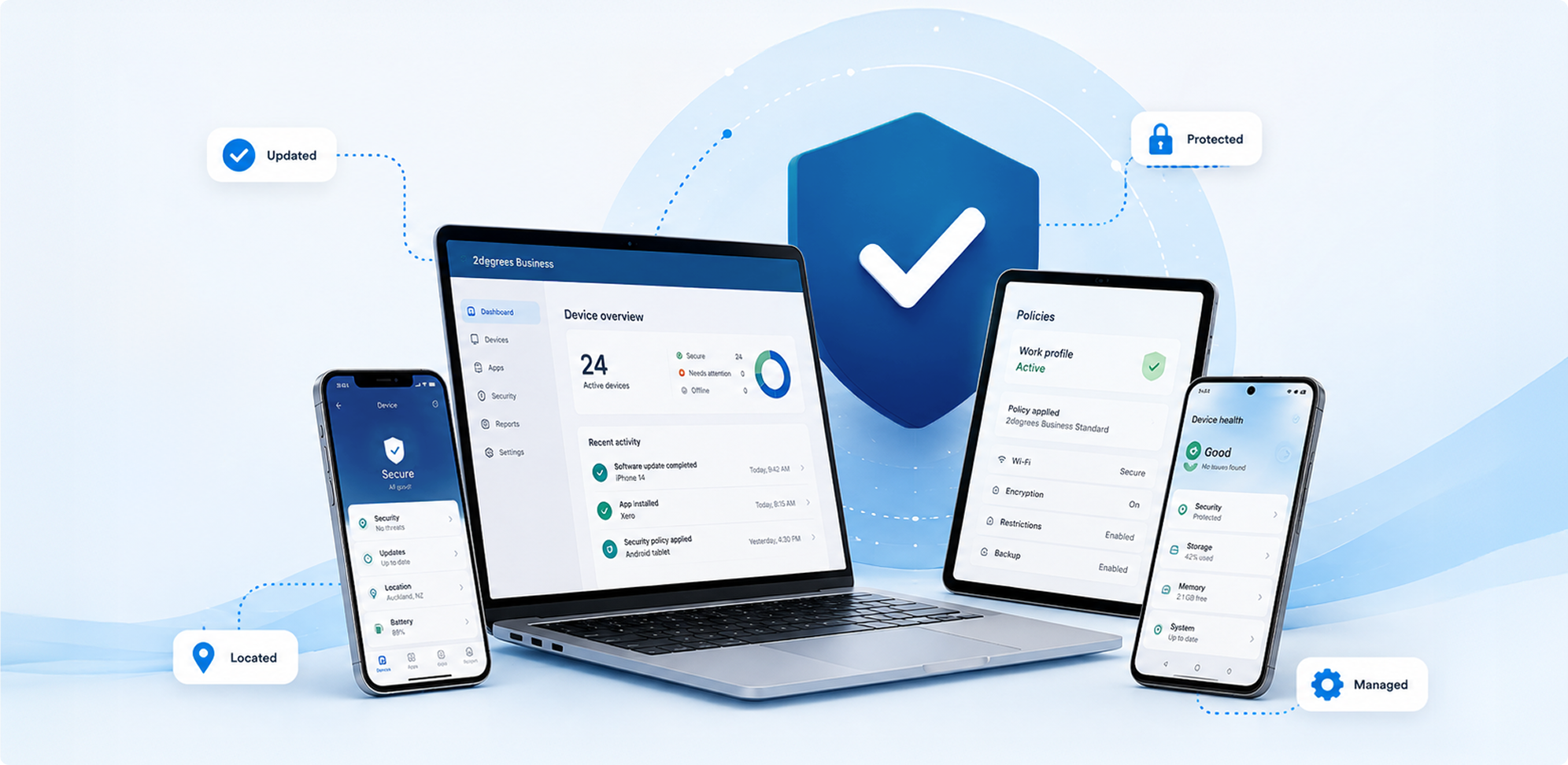
For a lot of growing companies, there are more doors into your business than anyone is actually keeping track of. Mobile Device Management (MDM) is how you keep them secure, up to date and working properly. And with a managed service, you can hand the whole job over without needing your own IT department.
What is Mobile Device Management?
Mobile Device Management is a way of looking after all your organisation’s mobile devices from one central console. Instead of setting up every phone by hand and hoping everyone keeps their software updated, MDM can enrol devices automatically, push out the apps and settings people need, including email, calendar, contacts, WiFi and VPN profiles, and enforce security rules like PINs, encryption and up-to-date operating systems across every device.
With 2degrees, MDM is delivered as a fully managed service. We design and run the whole thing, including the platform, policies and day-to-day administration. That means you get the security and compliance benefits without needing to hire MDM expertise or give someone in the office yet another system to learn.
Too small to be a target? The numbers say otherwise
Plenty of Kiwi business owners assume cyber risk is mainly a big-corporate problem. The evidence points the other way. Smaller organisations can be attractive targets precisely because they’re less likely to have formal protections in place, and many haven’t put basics like device security policies into practice.
The risk isn’t only attackers, either.
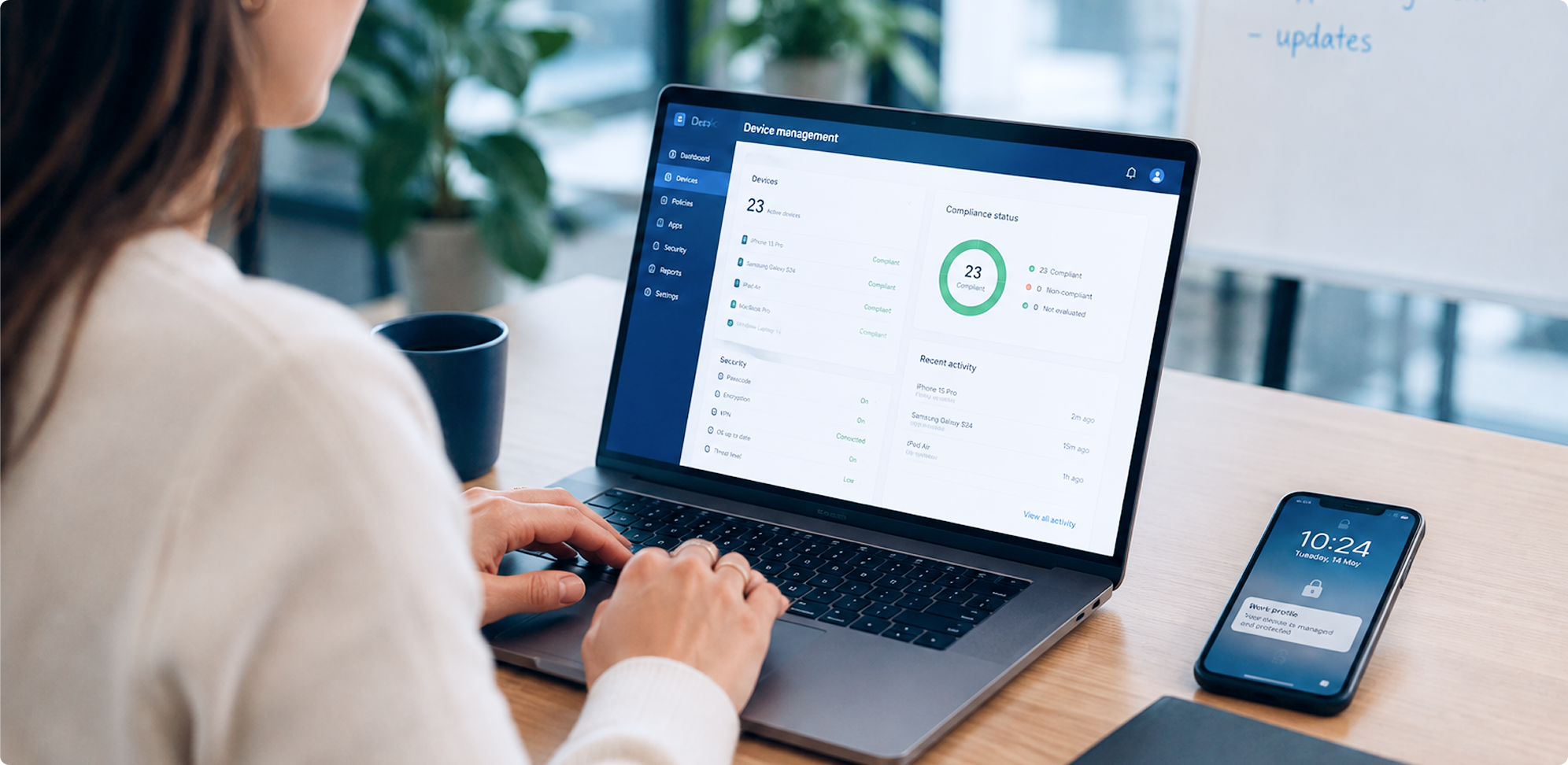
For a mobile workforce, the everyday problems can be much more ordinary. A phone with customer records gets left on a site. A tablet is still running an operating system three versions old. A staff member leaves, but their device still has access to business systems. Each one can cost real time and money to sort out. If sensitive data is involved, it can also turn into a compliance and customer-trust problem that goes well beyond the device itself.

What does a managed MDM service take off your plate?
Quite a lot. And if you don’t have a dedicated IT team, that’s really the point. The 2degrees managed service covers the full device lifecycle:
- Enrolment and provisioning. Zero-touch enrolment through OEM programmes such as Apple ADE, Android Enterprise and Samsung KME means devices can arrive ready to use, with policies, apps and configurations already applied.
- Policy design and upkeep. We design, implement and maintain your security policies, including device PINs and encryption, app allow and deny rules, network settings, compliance and conditional access, and OS patching. It’s all tailored to how your people actually use their devices.
- Application management. Approved apps are deployed and kept current, while non-compliant apps can be restricted or removed. Your team gets what they need for their role, and nothing they don’t.
- Day-to-day operations. Adds, moves and changes, compliance monitoring, troubleshooting, and lost or stolen device actions are all handled by the 2degrees managed service team.
- Support. You get a dedicated service desk with agreed response times, incident and request management, and escalation through to vendors when needed.
- What don’t you need to do? Build policies, operate a platform, perform device administration or hire MDM specialists.
The cost is predictable too, with a managed monthly service instead of another project, another piece of software and another job squeezed into someone’s spare time.
Can it handle BYOD, shared and frontline devices?
Yes. Policies can be tailored to the way your business actually uses devices. That might mean corporate-owned phones for a sales team, shared devices passed between shifts in a depot, rugged devices used on farms and worksites, or employee-owned devices where BYOD applies.
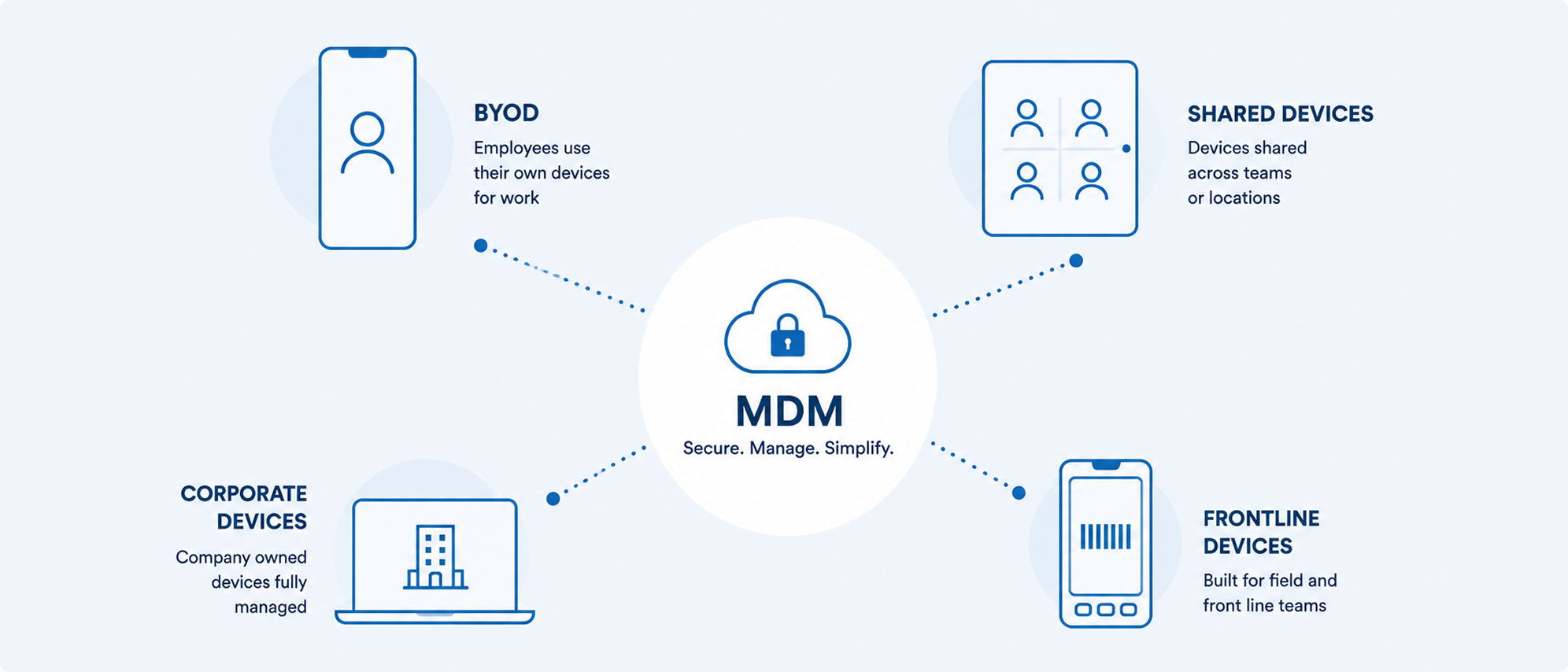
Shared and multi-user devices are supported, and user-based or device-based assignment models mean the setup follows how your organisation works, rather than forcing your organisation to fit the technology.
How does getting started actually work?
There’s no big-bang migration, and your team doesn’t need to install everything by hand.
New devices are enrolled through zero-touch programmes, so hardware can arrive configured and ready to work from the first time it’s switched on. Existing fleets can be brought under management progressively, with policies applied over the air.
Because 2degrees hosts and operates the platform, including upgrades, maintenance and vendor liaison, your part is mostly about telling us how your business works and what your people need. And when you need a hand, NZ-based customer support is here to help.

FAQs
No. Any business with a handful of work phones or more can benefit, especially teams working across sites, vehicles or shifts. A managed service also means you don’t need an in-house IT team to run it.
Yes. Policies are tailored to each device type, including corporate-owned, shared, rugged and BYOD devices where applicable.
Not with a managed service. 2degrees designs the policies, runs the platform and handles day-to-day administration, backed by a dedicated service desk.
Through zero-touch OEM enrolment programmes such as Apple ADE, Android Enterprise and Samsung KME, so devices can arrive ready to use, with everything applied before deployment.
What to do next
Talk to our Business team about what a managed MDM service could look like for your organisation. We’ll help you work out the right fit for your devices, your people and your budget, in plain English.