Scanning your Wifi for potential issues is quick and easy
1. Download the 2degrees app
Search ‘2degrees’ on the Google Play Store or Apple App Store. The app icon should look like the image to the right.
Log in with your email address and password.
For accurate results please ensure your app is up to date.

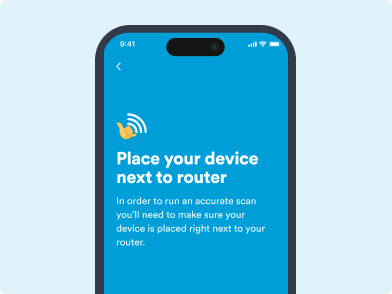
2. Run a Wi-Fi scan
Go to the Services screen, then tap on the Broadband tab at the top of the screen and scroll down to find the WiFi Scan. Open it then follow the step-by-step instructions.
3. Follow Recommendations
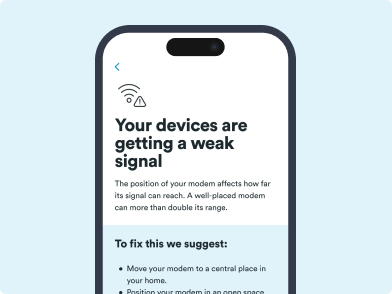
If we find any issues with your Wi-Fi, we’ll suggest ways you can fix them.
Article last updated on


