Choosing Broadband for a rental or flat
The right broadband for your rental comes down to three things: the property's connection, what your household does online, and how long you plan to stay. Renting doesn't make Fibre or Wireless Broadband the automatic choice.
Start by checking what's available at your address, including your unit or apartment number. Then compare plans against your flat's needs and the full cost over your stay.
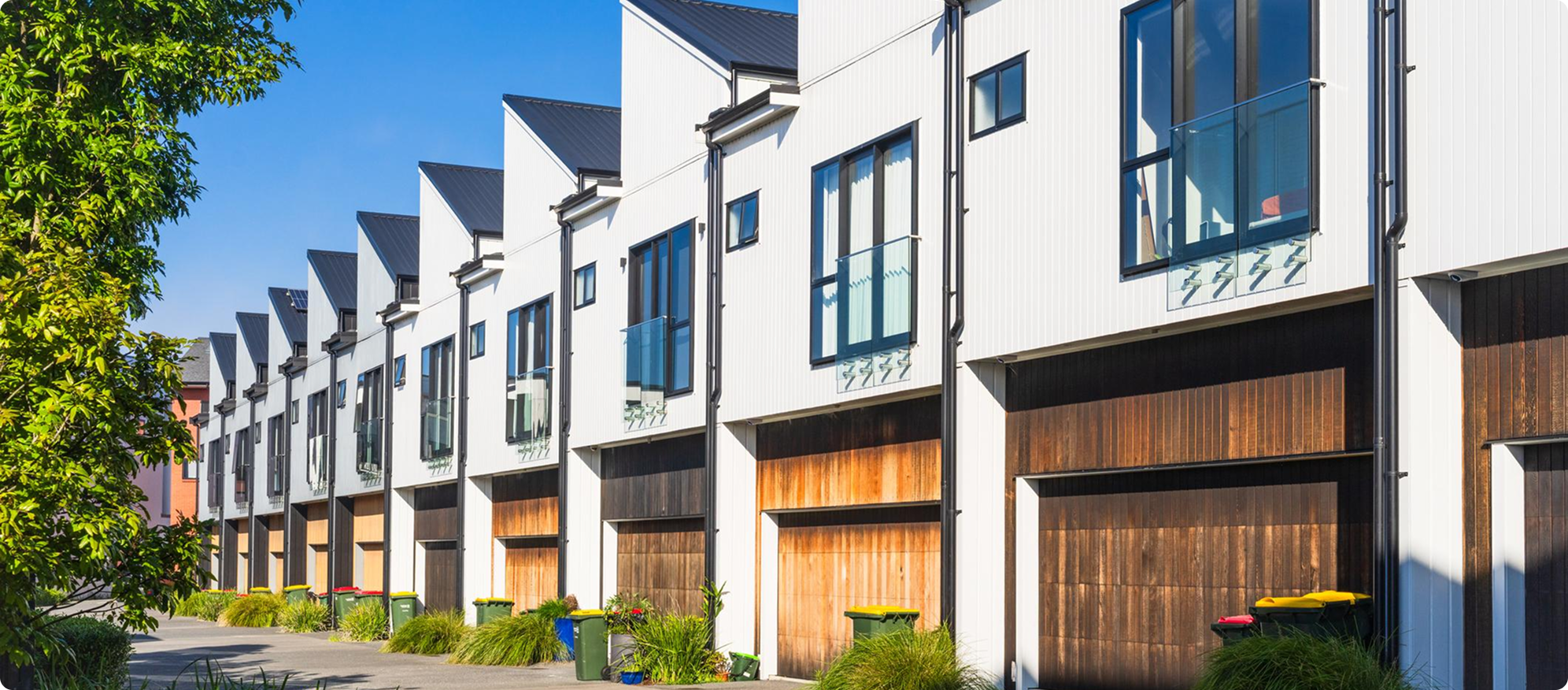
What's already installed at your rental?
Look for a small wall-mounted Fibre box called an optical network terminal (ONT), plus its power supply. The ONT connects the property to the Fibre network. It's separate from the router, which shares the connection with your devices over WiFi.
Ask your landlord or property manager where the equipment is and whether any router belongs to the property.
An ONT on the wall doesn't mean there's an active Broadband account. You'll still need to organise your own service and confirm a connection date. If Fibre isn't installed, our Fibre installation guide explains each stage. In an apartment, check access to shared areas and any building rules before booking work.

Fibre or Wireless Broadband: which suits your flat?
Fibre uses a fixed connection to the property. Wireless Broadband connects through the 2degrees Mobile Network using an approved modem.
- Wireless Broadband can avoid a first-time Fibre installation.
- Existing Fibre at the property may make Fibre the practical choice from day one.
Think about what your household does at the same time: regular uploads, video calls, gaming, and streaming. Also consider reception, data allowances, and WiFi coverage in every bedroom. Our Wireless vs Fibre guide covers the wider comparison.
Two flatmates who mostly browse and stream need something different from four people juggling work calls, cloud backups, and big game downloads. Compare plans by those activities - headcount alone won't tell you how much capacity you need.
A faster plan helps with shared demand, but it won't automatically fix WiFi in a far-off room. If the lounge is fine and the back bedroom isn't, look at modem placement and coverage too.
Headcount won't tell you how much Broadband your flat needs - what everyone does online at the same time will. |
How much will Broadband cost over your stay?
Check the plans available at your address rather than assuming every service offers both open and fixed terms. An open term may suit an uncertain stay, but its upfront costs can differ from a fixed-term offer.
| Cost or condition | What to check |
| Monthly price | The introductory rate, how long it lasts, and the ongoing price |
| Equipment | Rental or purchase costs, delivery, and return requirements |
| Connection | Setup charges and any non-standard installation work |
| Discounts | Which linked services qualify and who holds those accounts |
| Leaving or moving | Early termination charges and any joining-credit repayment |
Add it all up over the months you expect to stay. If your discount relies on a flatmate's Mobile or Power account and they move out, check whether the saving continues.
A tenancy ending doesn't automatically end your Broadband agreement.
Do you need your landlord's permission for Fibre?
If installation is needed, talk to your landlord or property manager early. The Tenancy Services Fibre installation request form sets out when a landlord must allow Fibre to be installed, subject to specific exceptions.
Those conditions include Fibre not already being installed at the property, installation being possible, and no cost to the landlord. Use the official guidance to make your request, then confirm the proposed work, access, and any costs before installation goes ahead.
Who should hold the Broadband account?
Choose one account holder and agree how flatmates will chip in. Whatever you agree within the flat, the account holder's obligations to 2degrees stay the same.
Talk through what happens if someone leaves, misses a payment, or wants to take over the account. Ask us about our account-change process before handing responsibility to another flatmate - leaving the modem behind doesn't transfer the agreement.
Your checklist before signing up
- Confirm the exact address and unit number.
- Find the ONT and its power supply, if Fibre is installed.
- Check which services and term options are available.
- Compare what you all do online at once, and coverage needs in each room.
- Work out the full cost over your expected stay.
- Arrange installation permission and access, if needed.
- Agree who holds the account and how bills are shared.
- Check moving, cancellation, and equipment-return conditions.
Changing providers? Follow our broadband switching guide to line up the new connection with your old service's end date. Keep your order confirmation with the flat's other household records.
Those conditions include Fibre not already being installed at the property, installation being possible, and no cost to the landlord. Use the official guidance to make your request, then confirm the proposed work, access, and any costs before installation goes ahead.
What happens to your Broadband when you move?
Get in touch as soon as you know your next address and moving date. The same plan may not be available at the new property.
Home Wireless Broadband is approved for a specific address, so arrange the change before using the modem anywhere else.
Take your router and its power supply, or follow any rental-return instructions. Leave the ONT and its own power supply at the property. Use our Moving house service to confirm dates, equipment, and any changes to your agreement.

Frequently asked questions
Does a Fibre box on the wall mean my rental has Broadband?
No. The ONT connects the property to the Fibre network, but you still need to set up your own Broadband account and confirm a connection date.
Can my landlord say no to Fibre installation?
In some circumstances a landlord must allow Fibre installation, subject to specific exceptions. Conditions include Fibre not already being installed, installation being possible, and no cost to the landlord. Check the Tenancy Services Fibre installation request form for the details.
Does my Broadband contract end when my tenancy ends?
No. Your Broadband agreement continues until you change or end it, so check moving and cancellation conditions before you sign up.
Will a faster plan fix slow WiFi in my bedroom?
Not on its own. A faster plan helps when lots of people are online at once, but weak WiFi in a far-off room is usually about modem placement and coverage.
Can I take my Wireless Broadband modem to a new address?
Home Wireless Broadband is approved for a specific address. Contact us to arrange the change before using it somewhere new.
What to do next
Check what's available at your address, then compare plans against how your flat uses the internet and how long you'll be there.


