
Trade In
Save your old phone, tablet or smart watch from the bin by cashing it in for a new one! To get started simply purchase a new device, then trade in the old one. It’ll be recycled, refurbished or reused and you’ll get some extra cash in your back pocket, it’s as easy as that.

1. Check your trade in value
Enter your device details online or bring it instore.

2. Choose your new device
Browse our latest lineup and find the perfect upgrade for your needs.

3. Get cash or instant savings
Apply the discount in-store instantly or get cash deposited to your bank account.
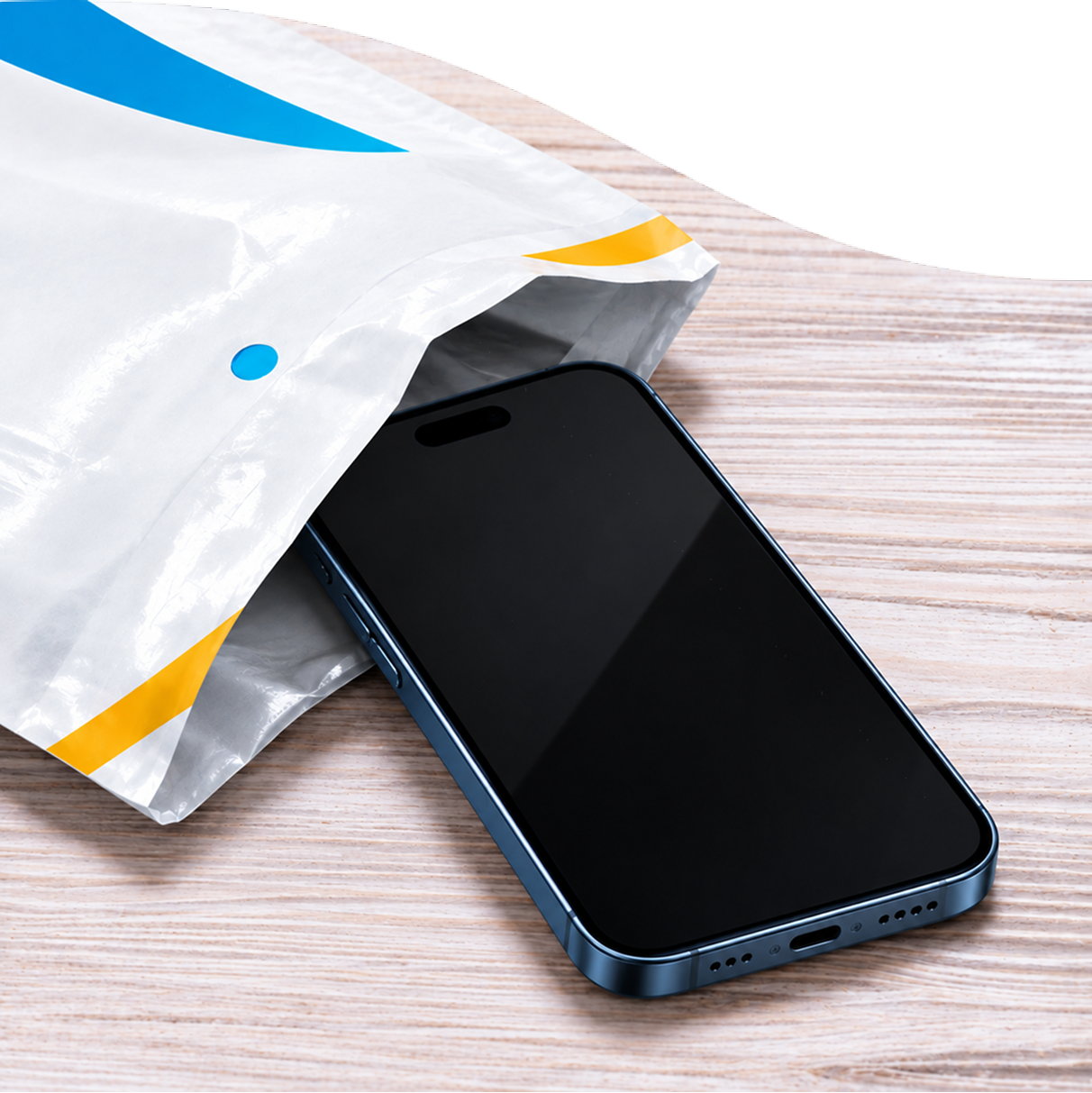
Trade In online
Start your online Trade In to find out the value of your device. You can send in multiple eligible phones, tablets or wearables and you’ll get cash back directly to your nominated bank account. Follow these steps:
- Start your online Trade In
- We’ll email you with instructions on how to send in your old device
- Choose your new device! Get it Interest Free with a Pay Monthly plan.
Trade In in-store
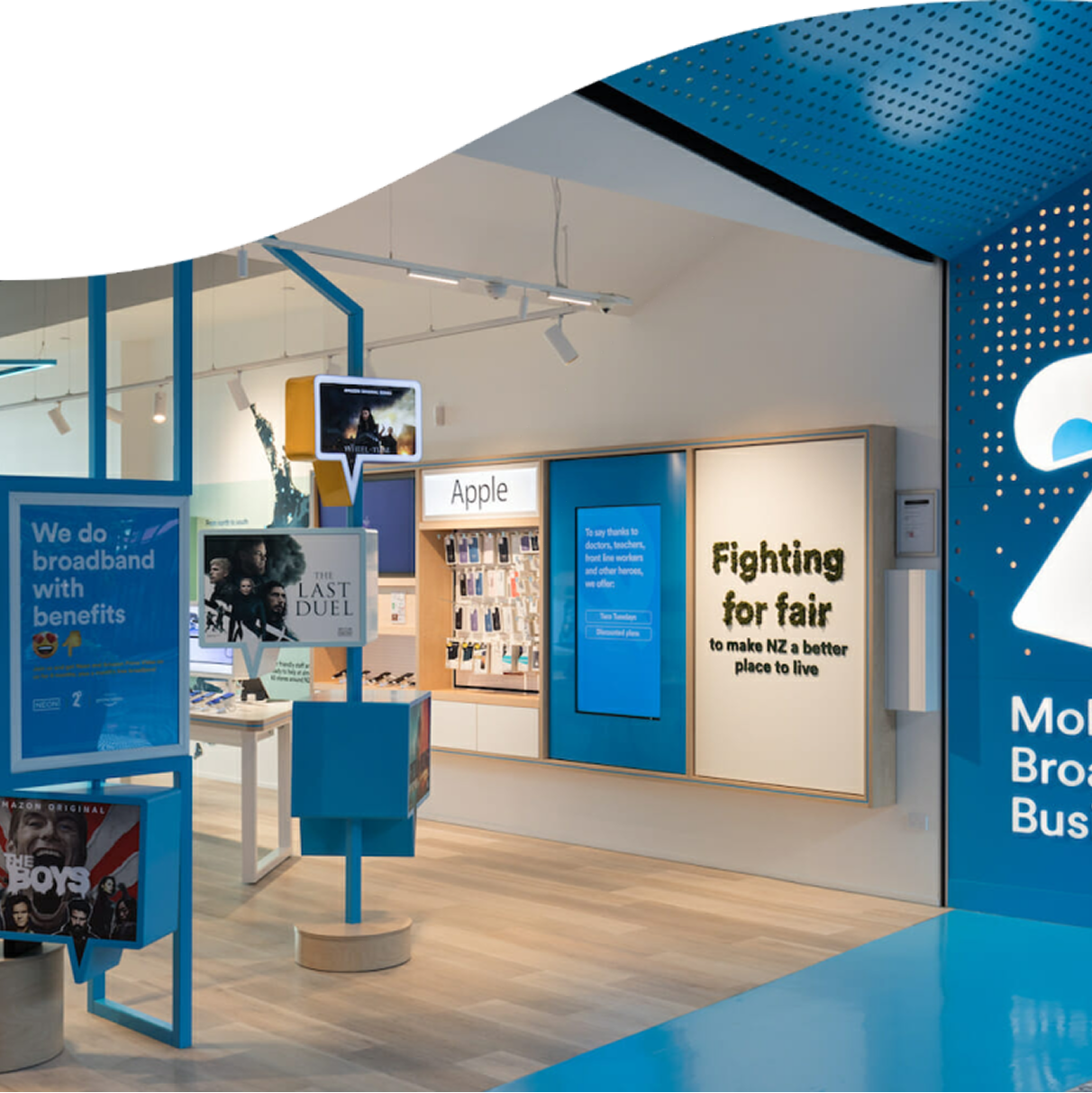
Buy your new device in store or from one of our retail partners to have the Trade In discount applied instantly. Follow these steps:
- Find your nearest 2degrees store
- Trade in multiple old devices to get the value deducted from the price of your new device
- Choose your new device! Get it Interest Free with a Pay Monthly plan
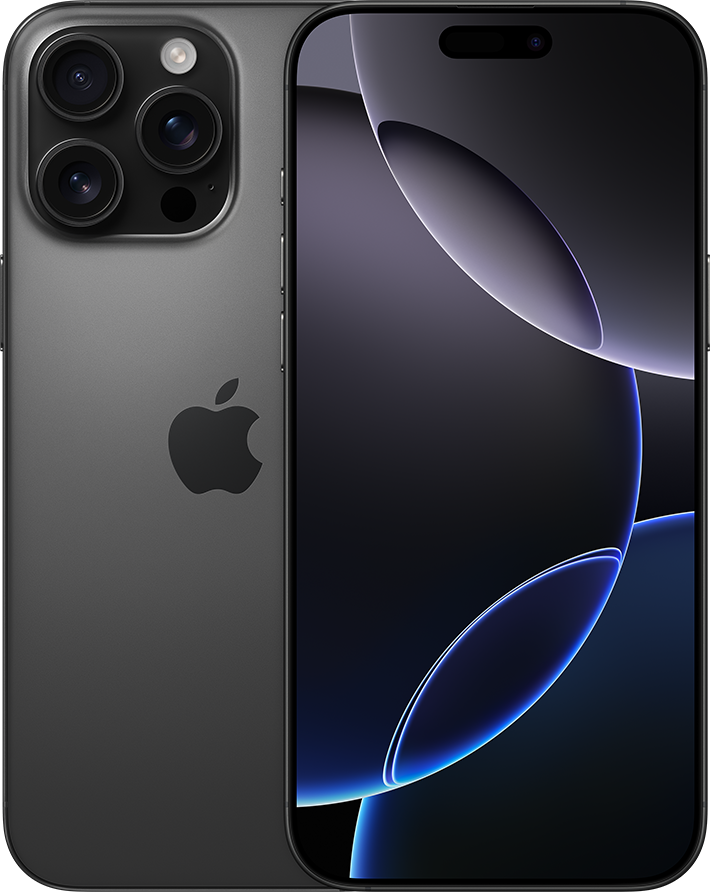
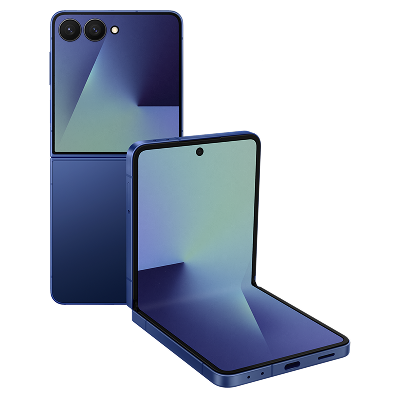
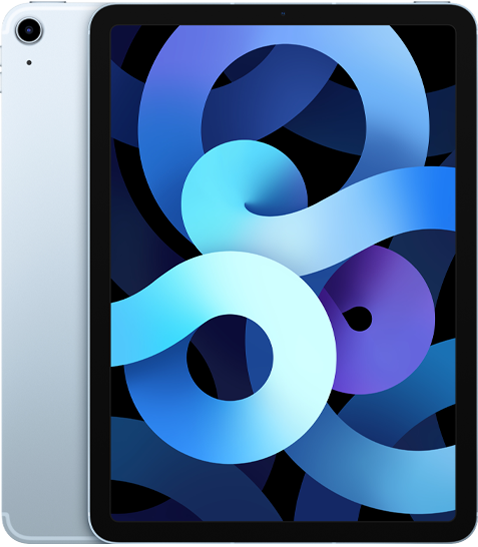
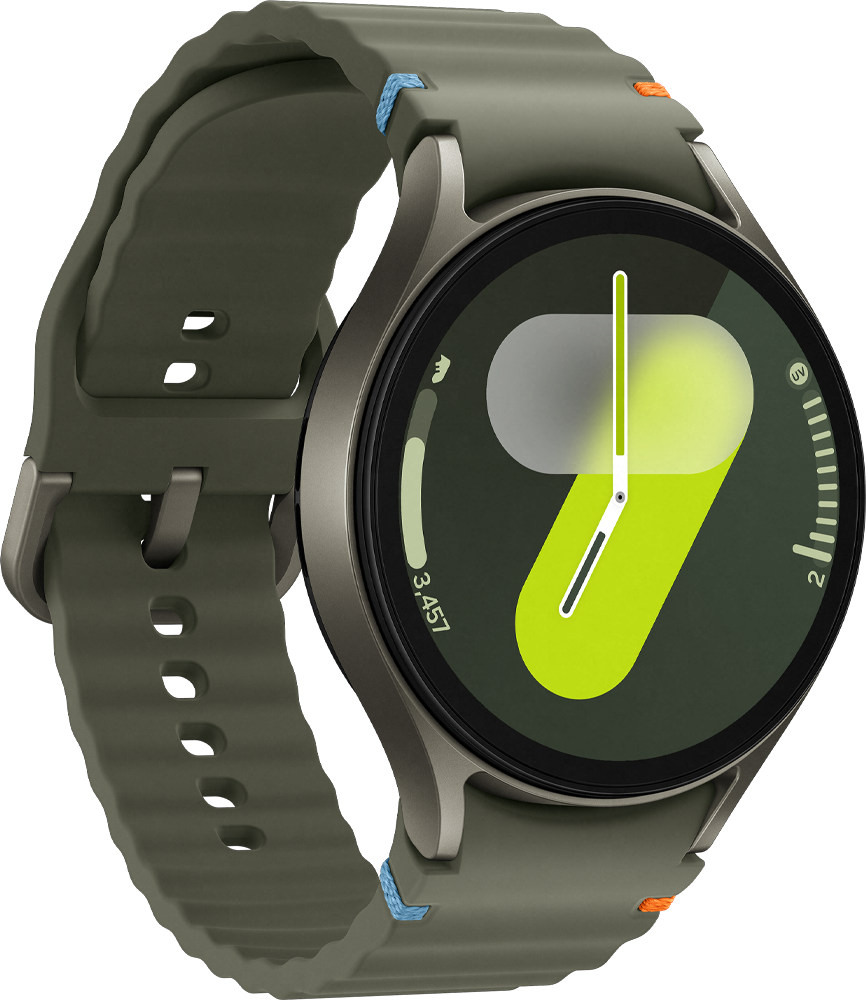
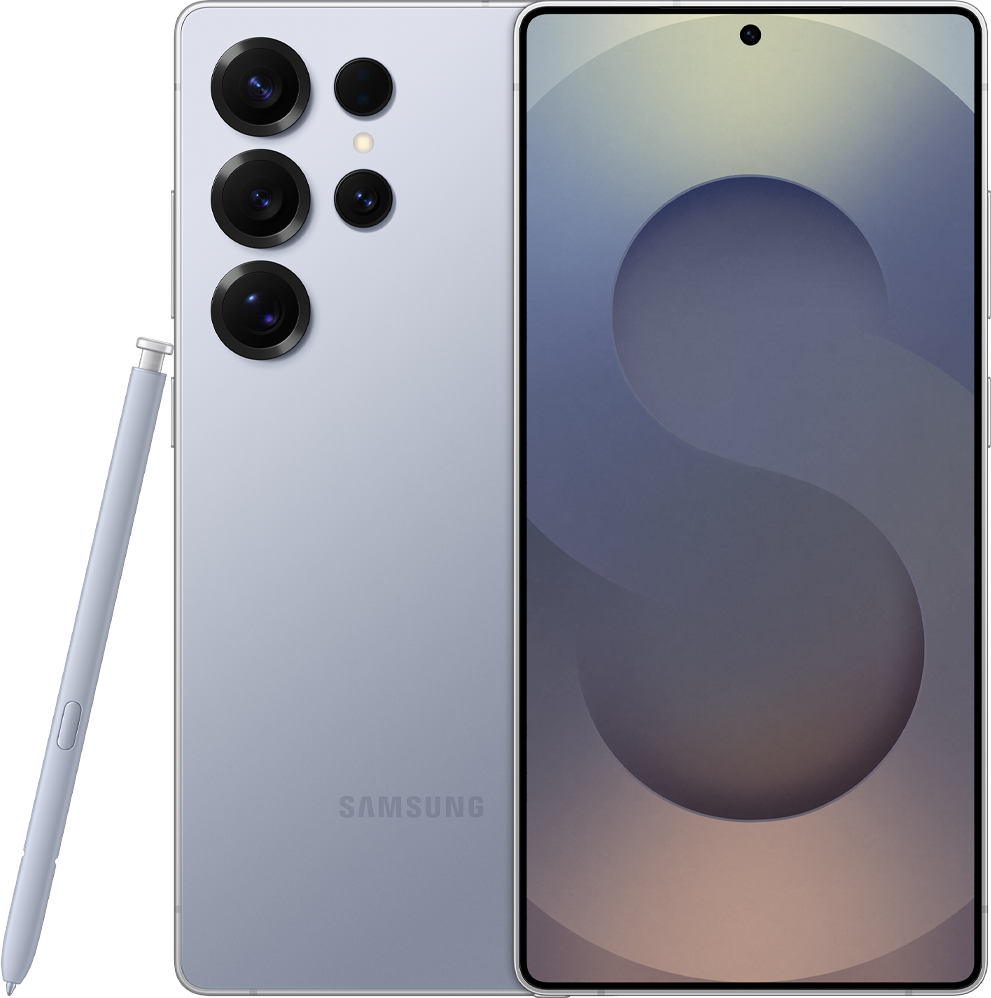
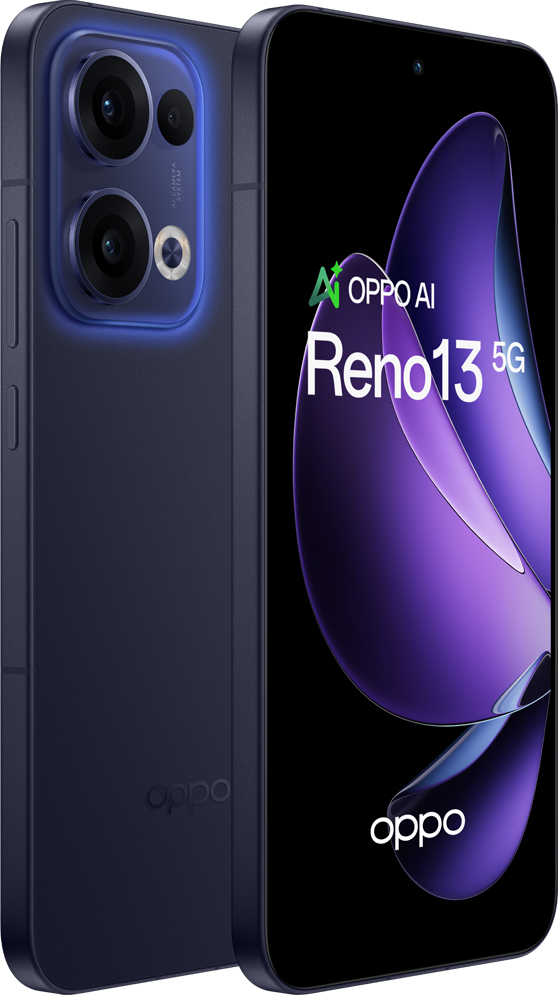
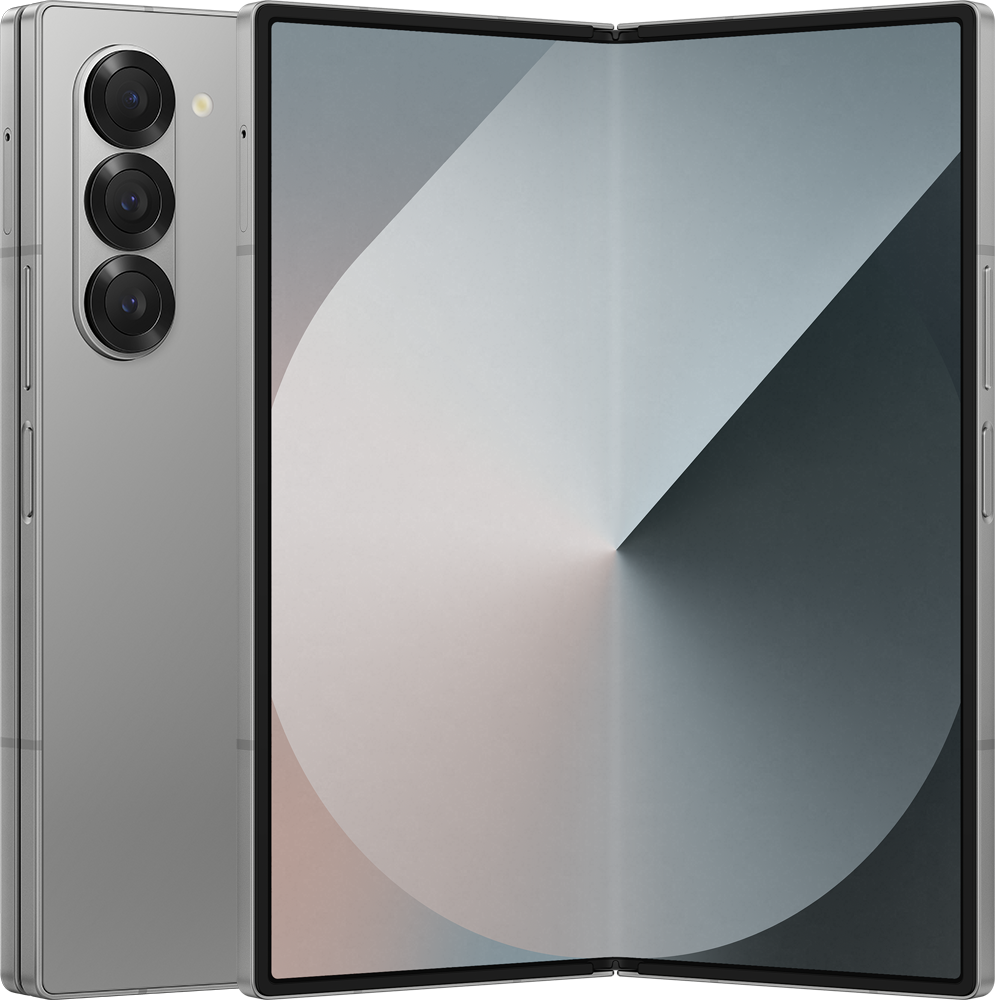
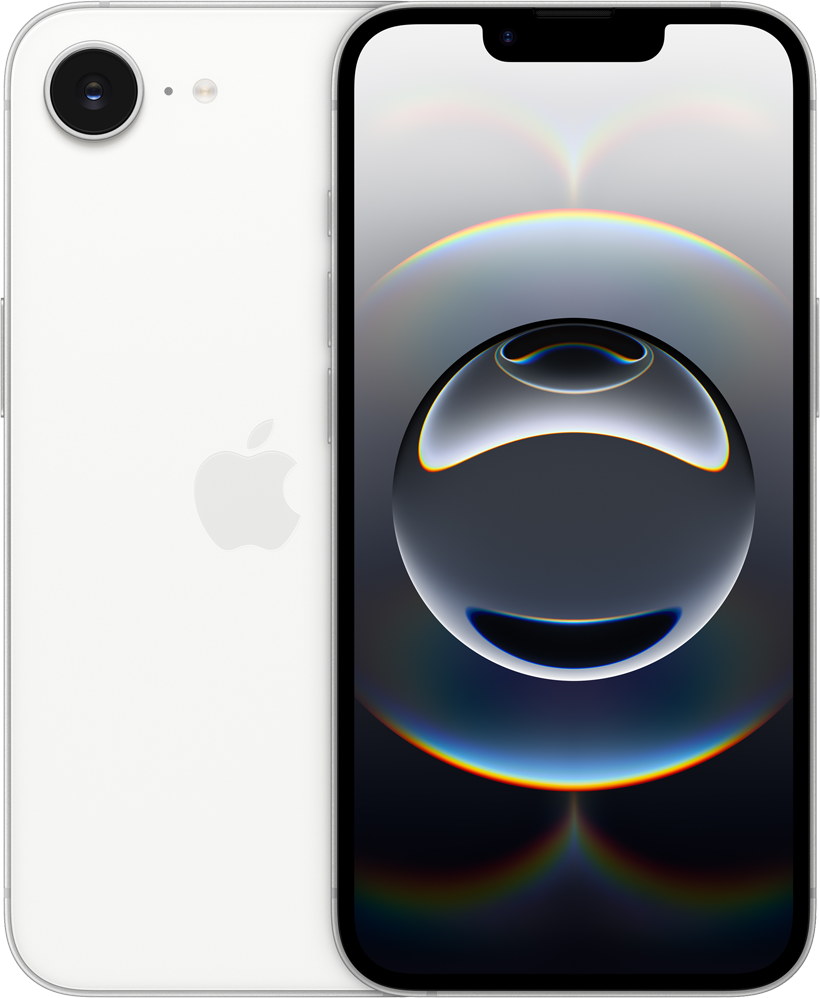
Popular Trade Ins
Is your device eligible?
See if your phone qualifies. All devices are subject to assessment by our Trade In partner when submitted for Trade In.
Step 1 of 2
Your device could be eligible.
Based on your answers, your device may be eligible for Trade In. Final eligibility is subject to assessment by our Trade In partner when you submit your device.
Sorry, your device isn’t eligible
Based on your answers, your device isn’t eligible for Trade In. All our stores offer free e-waste recycling to dispose of old unwanted tech.
If your phone, tablet, or wearable is still functional and the screen is reasonably free from damage, your device will be considered to be ‘in good working order’. However, there are a few additional conditions your device must also meet before it can be traded in. Here’s a wee checklist:
- Your device must power on and off
- No parts should be missing from your phone (eg. buttons, SIM tray, camera, charging port)
- Your device should not be locked in any way
- Your device must not be blocklisted as being missing or reported stolen
- There should be no cracks, chips, missing glass or smashes on your device screen
- If applicable, the glass on the back of your device should also not be cracked, chipped or smashed
- Your device’s display should fully light up without any blank spots or colour bleed
Note: Light scratches on your device’s screen or rear glass are not considered damage and should still be eligible to Trade In.
Moorup are an Australian company specialising in turning pre-loved electronics back to being reusable. They have one of the largest mobile buy-back programs over the ditch.
When you trade-in online, Moorup will do the heavy lifting once you start your Trade In journey as you’ll be directed to a co-branded website, powered by Moorup, where you’ll complete your Trade In. Moorup will take the reins from then on.
Whilst we’re in it together, Moorup operate independently from 2degrees and as the driving force behind the process, they will be the first point of contact once you start your Trade In.
iPhone:
- Go to Settings > General > About
- Look for model name and capacity (shown in GB)
Android:
- Go to Settings > About (or system)
- Look for device name
- Go back to Settings > Device Care (or storage)
- Look for storage (shown in GB)
Here’s what you need to do before sending your device for Trade In:
- Back up your contacts and anything important files you don’t want to lose, including photos, videos, notes, calendar dates and messages.
- Factory reset your device to clear any of the contents, once the above has been completed
- Remove your SIM and any memory cards from the device. Any SIM or memory cards found in returned devices are destroyed to keep your information secure.
- If you have an Apple device, it’s important that you switch off Find My iPhone and log out of your iCloud account
- If your device is received with an active iCloud, the trade-in will not be completed and your device will be returned to you.
- If you have an Android device, make sure you’ve disabled any security lock settings. These settings can remotely lock your device to protect your personal information if you lose it. It’s important you remove your Google Account from your device.
- If your device is received with an active Google Account, the trade in will not be completed and your device will be returned to you.
- If you have any wearables its handy to unpair it from your old device. This makes it easier to attach your watch to your new device.
Trade In selected devices to purchase a new phone on Interest Free with eligible Plan only. When you trade in your phone at a 2degrees store, the value of your Traded in device will be deducted from the Interest Free balance of your new phone purchase at sign up. If you Trade-in through 2degrees online, the value of your Traded in device will be credited to your bank account once it is accepted by our Trade-in partner, Moorup. Trade-in value varies by device make and model and must be in good working condition, with no screen cracks or other defects that go beyond normal wear & tear. One Trade In transaction per eligible Plan per qualifying campaign. Multiple devices may be Traded In to purchase a single new phone. After Trading In, your Interest Free balance must be $120 or more. No refunds or other account credits. Trade In value is non-transferable and cannot be exchanged for cash if it was deducted from the Interest Free balance. We reserve the right to amend or cancel this offer at any time. Trade In, Interest Free and Plan T&Cs apply.


