Welcome to 2degrees Prepay
Thanks for jumping on board! Here's a quick guide on how to get setup with 2degrees Prepay.
1. Download the 2degrees App
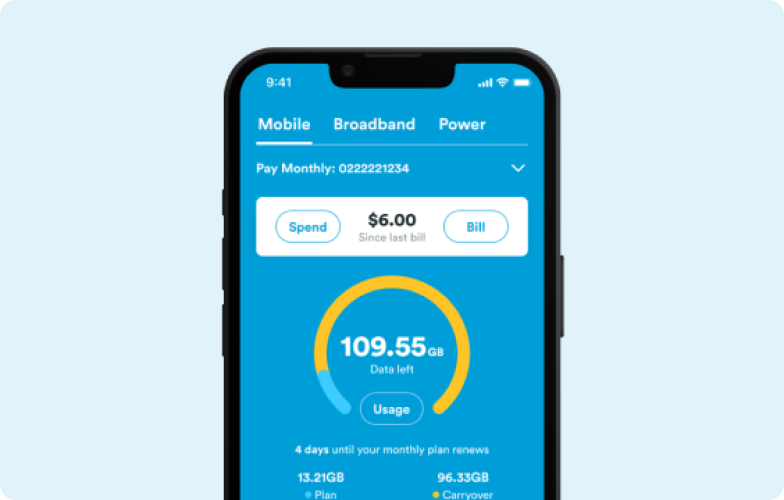
The 2degrees App is the easiest way to manage your Prepay account. Bring your number, top up, buy a plan, check your balances, and more.
Jump on WiFi to download our app from the Apple App Store or Google Play Store.


2. Bring your number
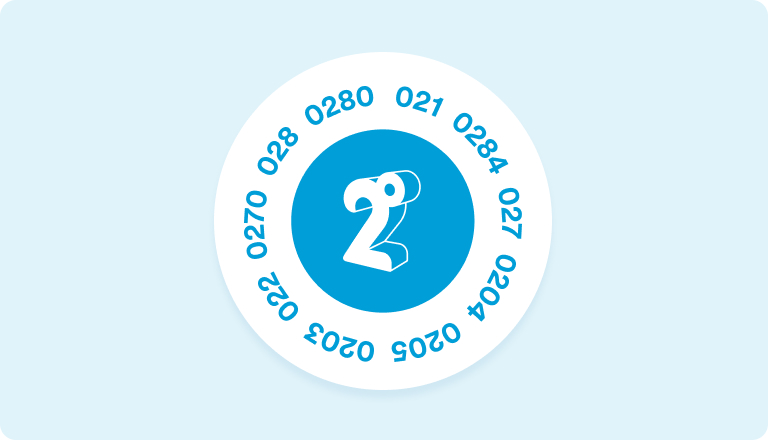
Joining us from one of the other guys and want to keep your number? Bring your number with you and sign up to one of our Prepay Carryover Plans to score a sweet 7.5GB Bonus Carryover data.*
3. Pick a plan
Our Prepay plans start from just $8, and there’s a range of Monthly and Fortnightly options to choose from. They’re all packed with things you’ll love like:
- Carryover data
- Unlimited calls and texts to your friends and family on 2degrees
- Hotspotting
- Free voicemail
To buy a plan, jump online using your credit/debit card or Online EFTPOS. You can also buy your plan in our app, but you’ll need to Top Up first.
If you’ve bought a new phone and SIM from us and have a scratch card, there’s two easy ways to redeem your plan:
- Text your code to 229 or 299 (please follow the number instructed on your scratchy) or enter it online at 2degrees.nz/redeem

4. Top Up
Topping Up is easy. Do it in a flash online or in the app using your credit/debit card or Online EFTPOS.
If you’ve got a Prepay voucher from a petrol station, supermarket, or diary, you can enter your code in our app or text the voucher recharge number to 201.
Use your Prepay Balance towards a plan, Add-ons or Data Clock Packs.
5. Set and forget
Say goodbye to manual top-ups and remembering to pay for your plan or add-ons. With Auto Top Up and Autopay you can set and forget for a hassle-free way to manage your mobile.
Auto Top Up is great if you want to keep your Prepay Balance topped up so you never run out of credit. Set up Auto Top Up in our app to automatically top up every month or whenever your balance gets low.
Autopay is a handy way to manage your Prepay plans and Add-ons. With Autopay your payment card automatically gets charged when your plan or add-ons renew. Setting up Autopay is easy. Jump into our app, go to the mobile tab, click Top Up, then toggle to Autopay, and follow the prompts to set it up.
6. Grab extra data with Data Clock
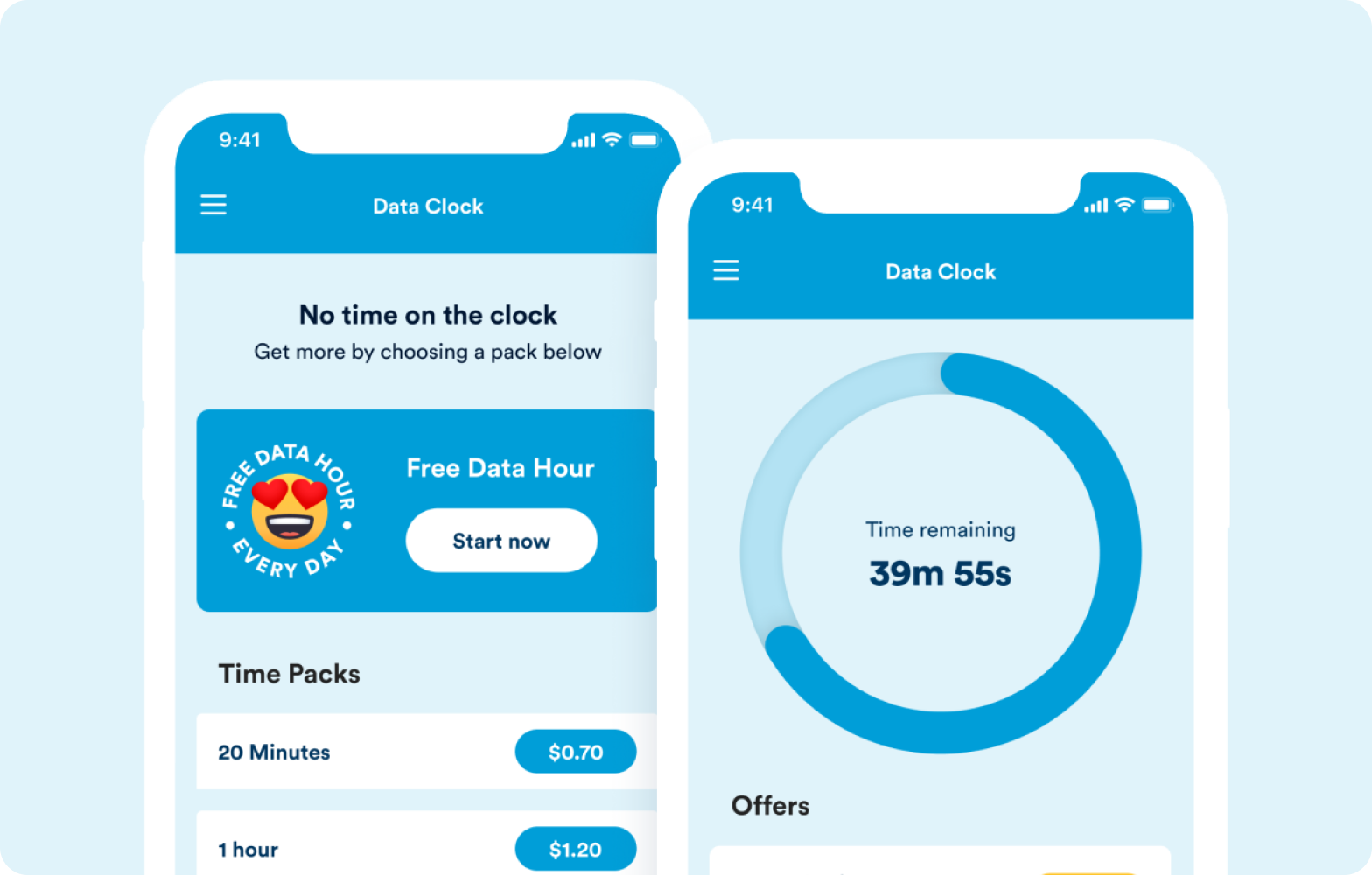
Whether you want to scroll a little more, binge one more episode or need a day of data to tie you over till your plan renews, with Data Clock you’ll be able to buy short bursts of data at sweet prices.
Plus, if you’re on an eligible Prepay Plan, you can enjoy a free hour of Unlimited Max Speed data every day.˄
To start the clock, download the Data Clock App from the Google Play Store or Apple App Store.


*Free Carryover Data: Customers will need to bring their existing number over to 2degrees to be eligible for the free one-off allocation of Carryover data. T&Cs apply.
˄Data Hour/Data Clock: Max speeds everyday for 40GB/m then reduced max speeds of 1mbps. At reduced speeds your experience will be impacted. Register on the Data Clock app for your free hour of data per day. See www.2degrees.nz/data-clock for details on registering for the Data Clock app. T&Cs apply.


